New in v1.6.0 — CLIP semantic search

MediaChips

your media library with ease

MediaChips is a desktop app for organizing, tagging, and browsing local media. Supported file types: videos, images, audio, and text. Add any metadata — tags, actors, ratings, favorites, bookmarks, dates, and more. Everything stays on your machine: no accounts, no cloud, no data collection.

MediaChips app preview

Download

v1.8.1

Linux

AppImage for 64-bit systems

Make the AppImage executable: chmod +x MediaChips*.AppImage

Docker

Container image for NAS and servers

Docker Hub

Features

Browse

  • Browser layout — tags sidebar, inspector panel, compact control deck, and docked filters
  • Collapsible sidebar with icon rail for library links, tag categories, settings, and tracked folders
  • Videos, images, audio, and text in one library — displayed as cards with the chips you assign
  • Zip galleries — import images from zip archives; path tags from folder and zip paths
  • Similar media wall and “More like this” visual-hash neighbors on the media list
  • Customizable cards: colors, sizes, chip layout, and aspect-ratio presets
  • Grid multi-select with keyboard range and shift selection; drag media cards out to the desktop
  • Create playlists and open files in the built-in or system player
  • Tabs to work with media and tags without losing context
  • Multiple databases for separate collections or projects
  • Configurable home page with widgets and stats

Preview modes

More than a static thumbnail — preview your library without opening every file.

Grid / storyboard

A 3×3 frame grid on each card for a quick visual overview of the whole video.

Timeline preview

Scrub with the cursor and see the exact frame at each position on the timeline.

Inline video preview

Play video directly on the card while you browse the library.

Big preview mode

Expand a card into a large preview for a closer look — size is configurable.

Sound in preview

Optional audio on hover, with a customizable delay before playback starts.

Card sizes up to XXL

Scale cards from compact to extra-large — pick the view that fits your workflow.

Video Player

A full playback workspace — not just a preview window.

Timeline markers

Mark favorites, bookmarks/chapters, or any library tag on the timeline — no separate Marks flag.

Clip Studio

Select, export, and reveal clips; reels and multi-select for markers and playlists.

Auto chapters

Scene and silence detection with readable chapter titles — review and edit before you keep them.

Play clips by tag

Compile matching marker segments into a playlist from a tag page and play them back-to-back.

Person timeline

Seek and play face appearances on performer tag pages.

Smart playlist

Shuffle, loop, and step through next/previous items while you watch.

Playback controls

Speed from 0.25× to 2×, picture-in-picture, and fullscreen. Prefers direct play before live transcode.

Timeline hover preview

See a frame preview when hovering over the playback bar.

Detached player

Open the player in a separate window and keep browsing your library.

Set frame as cover

Pick the current frame and use it as the video thumbnail.

Bookmark notes

Add descriptive text to timeline bookmarks — perfect for notes on specific moments.

Filter & Sort

  • Filter by any parameter or tag — including nested chip fields
  • Build a playlist mix from filters or CLIP from the filter bar and global search
  • Collapsible inspector and compact filter chips with unified sort and group-by controls
  • Folder path filters — browse library paths and match media under a selected folder
  • Exact “only these tags” condition for precise chip-set matching
  • Save and load filter presets; drag-and-drop to reorder filter rows
  • Quick filters, favorites, multi-parameter sorting, and pinned-meta sort
  • Negative tag conditions and regular expressions for string fields
  • Quick filter by tag from the card menu or floating action button

Automation

Add a folder — tags pull in from paths, missing files are tracked, and bulk edits stay fast.

Path tag parser

Extract tags from file paths library-wide — including path-regex into array meta fields, with preview and multi-OS presets.

Post-add smart wizard

One-click Enhance now — path tags, grids, faces, CLIP index, chapters, neighbor-tag suggestions, organize, and TPDB scrape.

CLIP semantic search

Describe a scene to find media; Find scene jumps near the matching timeline tile. Query auto-translate for UI languages.

ML path tag parser

Semantic matching suggests tags from path segments using a local ML model.

Quick Add Tags

Create tags in bulk from words found in file paths.

Face recognition

Detect faces in videos, enroll people from tag photos, match and auto-tag — with optional gender filter, all on-device.

Video object recognition

Get tag suggestions from video frames via a local CLIP model — runs entirely on your machine.

Library health score

See a health score with a safe fix queue and snoozeable alerts.

Watched folders

Detect new files and mark videos that disappeared from watched folders.

Duplicate check on import

Catch duplicates while adding files — fast size checks plus background content hashing.

Media merge

Keep one item and remap linked metadata; review duplicates in Database settings.

Bulk editing

Edit multiple items or file paths at once.

Organize by tag

Move files on disk into folders based on the tags you assign.

Fingerprints & duplicates

Hybrid fingerprints / oshash for dedup, plus a scoped duplicate finder with visual grid fingerprinting.

Scrapers & sync

Adult and TMDB scrapers; Stash and Jellyfin bidirectional sync; Plex and Emby library import.

Chips

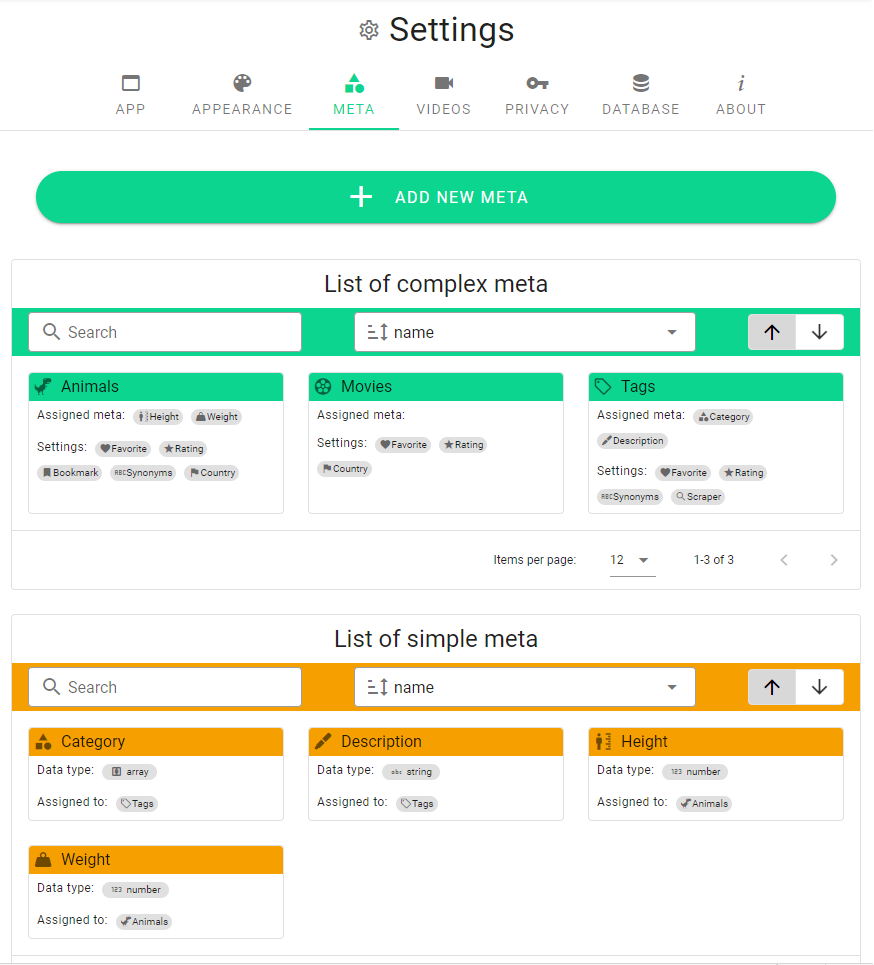
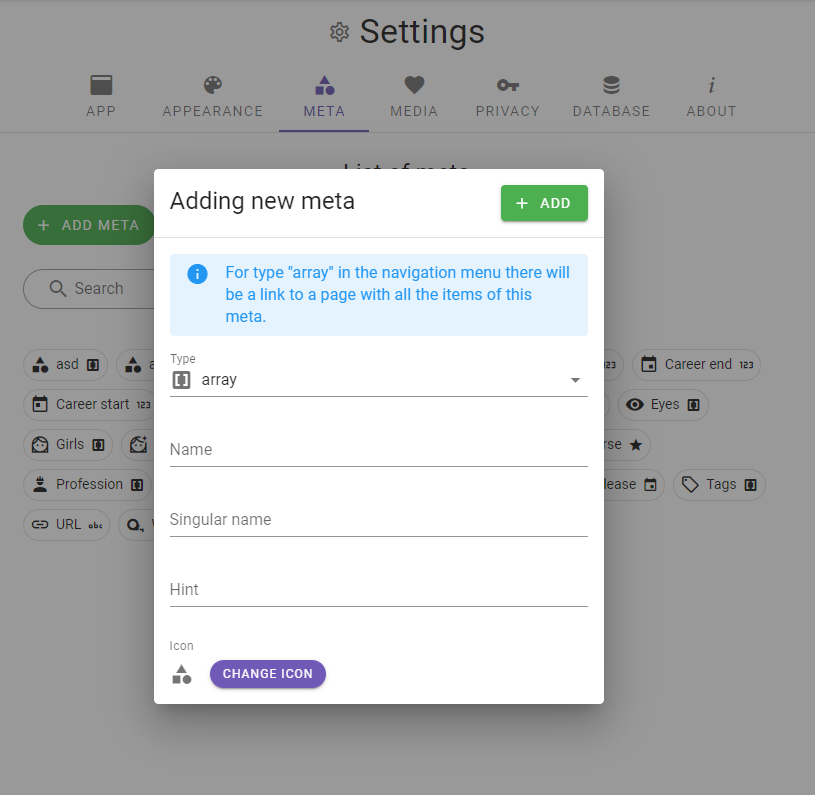
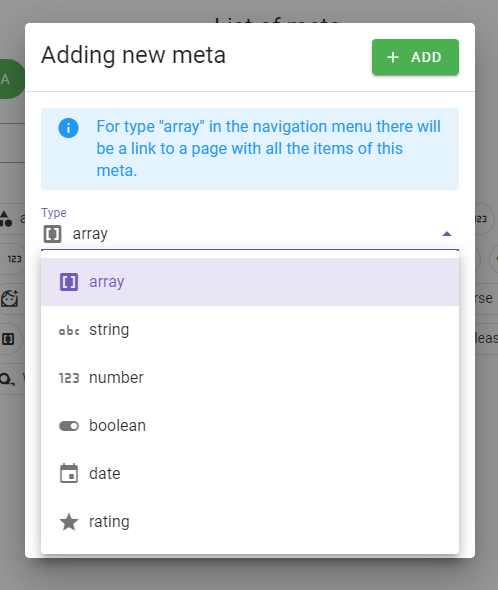
  • Built-in types: tags, ratings, favorites, bookmarks, text, dates, numbers, colors
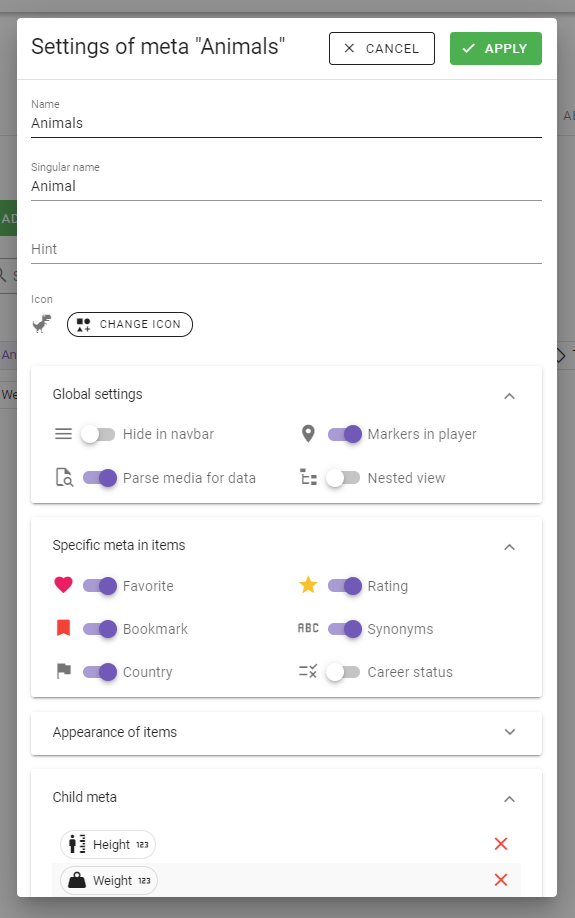
  • Custom types: actors, places, studios, genres — anything you need
  • Chip recipes — installable meta/chip presets for common library setups
  • Rich chip profiles: images, colors, countries, text, numbers, and nested chips
  • All Tags page — manage categories and move tags in bulk; mixed tag input UX
  • Tag pages auto-switch full/minimal layout from hero images; image carousel and TPDB photo slots
  • Person timeline appearances on performer pages; path-regex tags into array meta fields
  • Merge tags within a category or merge whole categories with same-name auto-merge
  • Virtual folder tags with inheritance — organize by folder structure without moving files
  • Auto-color tags from cover art; pinned-tag scrape actions for TMDB/TPDB

Other features

Extra tools that make everyday media management faster and more flexible.

Global search

Press / to search media and tags via names, assigned tags, synonyms, bookmark notes, and CLIP scene descriptions.

Text & audio

In-app text preview and search; audio covers from ID3 tags.

List grouping

Group media and tags by letter, rating, folder, codec, resolution, pinned meta, and more.

Plugin system

Install plugins from folder or zip — scrapers and library imports extend the core app.

In-app changelog

Read release notes from update notifications, after updating, and in version history.

Backup & restore

Create, restore, import, and export full database backups — library and previews together.

8 languages

Interface available in English, Spanish, Chinese, Russian, German, French, Japanese, and Brazilian Portuguese.

Quick action button

Floating shortcuts for filters, toolbar customization, and scroll to top.

Customization

Colors, card sizes, chip layout, navigation visibility, and persistent interface zoom.

Multiple databases

Keep separate libraries for different collections or projects.

Tabs

Work with media and tags in separate tabs without losing context.

File operations

Move, delete, or open the folder containing a file right from the app.

Password protection

Restrict access to your library when you need extra privacy.

SFW mode

Safe-for-work interface mode for shared or public screens.

In-app documentation

Contextual help in settings and dialogs — no need to leave the app.

Home page widgets

Configurable home page with stats and quick-access widgets.

Open source

Built in the open — inspect the code, trust the app, and shape it for your workflow.

View on GitHub
Transparent

The app is completely transparent — full source code on GitHub.

Private

It does not collect your data and does not send it anywhere. Your library stays local.

Extensible

Developers can fork the project and add features for their own workflow.

Share

Your library on any screen at home — phone, tablet, TV, or another computer.

Any device on LAN

Open your library in a browser on any device on the local network.

Mobile UI

Responsive layout with bottom navigation for comfortable browsing on small screens.

AutoConnect

The app finds a MediaChips server on your network — no need to type an IP manually.

Docker / NAS

Run MediaChips in Docker for network storage setups with browser mount UX.

Desktop + web

Run the full app on macOS, Windows, or Linux, and share the same library to the browser.

Customer Reviews

Real feedback from users on AlternativeTo

I'm a filmmaker, and there are a lot of people like me after an app like mediaChips. The software is very nice with cool features. Not everyone likes working with the confusing and heavy Adobe Bridge, so mediaChips strikes me as the only one in its niche.

In particular, I highlight the bookmark feature, which does not exist in Adobe Bridge, which allows me to insert a descriptive comment on the video. The strip view mode is very handy for finding the text of the take that can be used, and including a comment.

Manoel LeiteFilmmaker
AlternativeTo

News

MediaChips v1.6.0

Added

  • CLIP semantic search — describe a scene to find media; Find scene opens hits near the matching timeline tile
  • Similar media wall, More like this, and NL → playlist mix from filters / CLIP
  • Post-add smart wizard, library health score, Clip Studio, and auto chapters
  • Stash / Jellyfin bidirectional sync; media merge; person timeline appearances
  • Zip galleries, chip recipes, text preview/search, and audio covers from ID3
  • Any-tag player marks — favorite, bookmark/chapter, or any library tag

Fixed

  • Packaged app launch after packaging change; WebM duration probe; semantic seeks land on the tile
  • Hover preview scrub flash and sticky unavailable cache; FFmpeg single-image thumbs
  • Duplicates merge confirm; locale switching polish; starter meta and shift-select feedback fixes

Changed

  • Playback prefers direct play before live transcode; safer hover preview for broken MP4s
  • Face match defaults to Suggest only; smart wizard Enhance now as the safe one-click path
  • Path tag parser on by default for new tag categories; browser layout is the sole library layout
  • Performance — Slim SQL, Sharp hashes/faces, API in a separate Electron Node child

Full release history on GitHub

Contact the developer

Questions, bug reports, or feature ideas? Reach out via email or community channels.